


Fast and aggressive SVG minification CLI tool for shrinking SVGs for inline HTML, Vue and Svelte component templates, and standalone files.
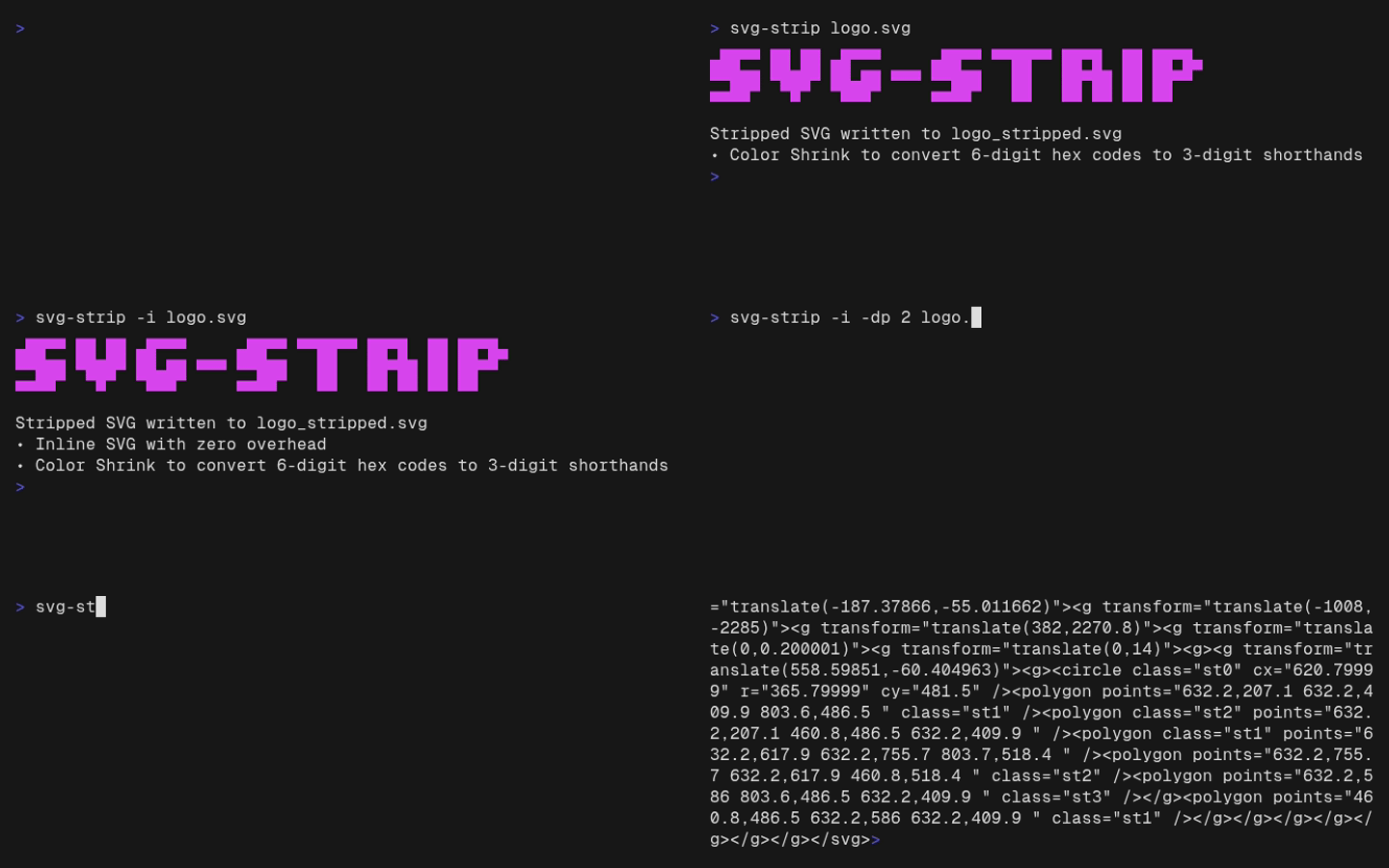
- Extreme Minification (automatic): Removes
title,desc,metadata, comments, unusedids, hidden elements (display="none",opacity="0"), empty groups, and the<?xml...?>declaration, collapsing all whitespace and linebreaks into a single-line string. - Color Shrink (automatic): Identifies 6-digit hex color codes with identical byte pairs (e.g.,
#FF0000,#aabbcc) across all styling attributes (fill,stroke, etc.) and losslessly converts them into their 3-digit shorthands (e.g.,#f00,#abc). Leaves non-matching hex codes safely untouched. - Inline Optimization (
-i/--inline): Strips thexmlnsattributes which are unnecessary overhead for browsers when embedding SVGs directly into HTML5 code. - Component Mode (
-c/--component): Produces paste-ready standard SVG markup for HTML, Vue, and Svelte templates. It removes namespaces and fixed root dimensions, safely converts simple embedded class rules to SVG presentation attributes, and preserves theviewBox. - Icon Mode (
--icon SIZE/--icon WIDTHxHEIGHT): Includes Component Mode and adds a fixed pixel size plusfill: currentColoron the root SVG. - Decimal Precision (
-dp/--decimal-precision): Aggressively rounds all path coordinates and attributes (likeviewBox,x,y,transform) down to a user-specified number of decimal places (0-4), stripping trailing zeros.
svg-strip [OPTIONS] <input.svg> [output.svg]If no output.svg is specified, the tool will automatically save the minified file in the same directory as [ORIGINAL_NAME]_stripped.svg.
| Flag | Name | Description |
|---|---|---|
-i, --inline |
Inline Mode | Strips xmlns attributes for optimal inline HTML usage. |
-c, --component |
Component Mode | Inlines supported class styles and removes component-unsafe SVG overhead. |
--icon <SIZE|WIDTHxHEIGHT> |
Icon Mode | Produces a square or explicitly sized component-ready icon with currentColor fill. |
-o, --output |
Stdout Mode | Prints the minified SVG directly to the terminal (stdout) instead of writing to a file. |
-dp, --decimal-precision <0-4> |
Decimal Precision | Rounds all floating point numbers inside paths and attributes to the specified number of decimal places to save bytes. |
Convert an exported SVG with an embedded class stylesheet:
<svg xmlns="http://www.w3.org/2000/svg" width="800px" height="800px" viewBox="0 0 24 24">
  <style>.st0 { fill-rule: evenodd; clip-rule: evenodd; }</style>
  <path class="st0" d="M0 0h24v24z" />
</svg>
svg-strip -c -o exported-icon.svgThe serialized output is deliberately one line; formatted semantically, it is:
<svg viewBox="0 0 24 24">
  <path fill-rule="evenodd" clip-rule="evenodd" d="M0 0h24v24z" />
</svg>
Component Mode supports simple class selectors such as .st0 and .st0, .st1.
It rejects complex selectors, at-rules, unsupported properties, and !important
instead of retaining a <style> element or silently changing its meaning.
The root SVG must have a non-empty viewBox; Component Mode will fail rather
than remove fixed dimensions from an SVG that cannot be scaled safely.
Set the rendered size while allowing CSS color to control inherited fills:
svg-strip --icon 20 exported-icon.svg
svg-strip --icon 20x20 exported-icon.svg
A single positive, unitless integer or decimal sets both dimensions. Use two
values separated by x or X for a non-square icon, such as 20.5X16. Zero,
explicit units, exponents, and spaces are rejected.
Icon Mode adds this root style after applying all Component Mode transformations:
style="width: 20px; height: 20px; overflow: hidden; fill: currentColor"For a shared icon color, define an appropriate global rule:
svg {
  color: var(--your-icon-color);
}Minify an icon for use in a web template, stripping all namespace overhead and rounding coordinates to 2 decimal places:
svg-strip -i -dp 2 raw_icon.svgOutput:
Stripped SVG written to raw_icon_stripped.svg
• Inline SVG with zero overhead
• Decimal Precision for paths rounded down to 2 decimals
• Color Shrink to convert 6-digit hex codes to 3-digit shorthands
Linux / macOS:
curl -fsSL https://raw.githubusercontent.com/madLinux7/svg-strip/main/install.sh | shInstalls to ~/.local/bin by default. Override this with
INSTALL_DIR=/custom/path.
Windows (PowerShell):
irm https://raw.githubusercontent.com/madLinux7/svg-strip/main/install.ps1 | iexInstalls to %LOCALAPPDATA%\svg-strip and adds it to your user PATH.
Restart the terminal before using svg-strip.
Download the latest binary for your platform from
Releases and place it in
your PATH.
# Example for Linux x86_64
curl -fL https://github.com/madLinux7/svg-strip/releases/latest/download/svg-strip-linux-x86_64 -o svg-strip
chmod +x svg-strip
sudo mv svg-strip /usr/local/bin/You must have Rust and Cargo installed. Clone the repository and build the project:
git clone https://github.com/madLinux7/svg-strip.git
cd svg-strip
make buildFor an optimized, UPX-compressed binary, install UPX and run:
make releaseThe release binary will be available at target/release/svg-strip. Override
RELEASE_BINARY when targeting a different executable path.