Developed by Gene Pavlovsky gene.pavlovsky@gmail.com
A Solarized theme (light and dark) and syntax colorscheme for FlashDevelop. Compatible with FD5.
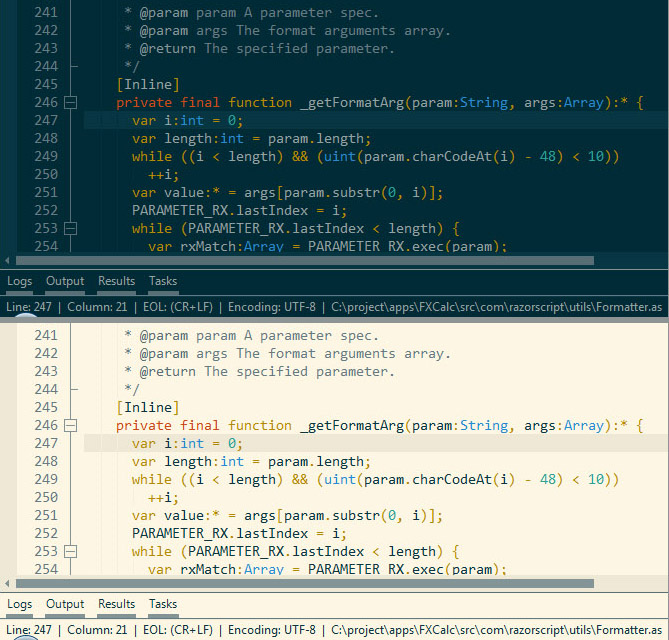
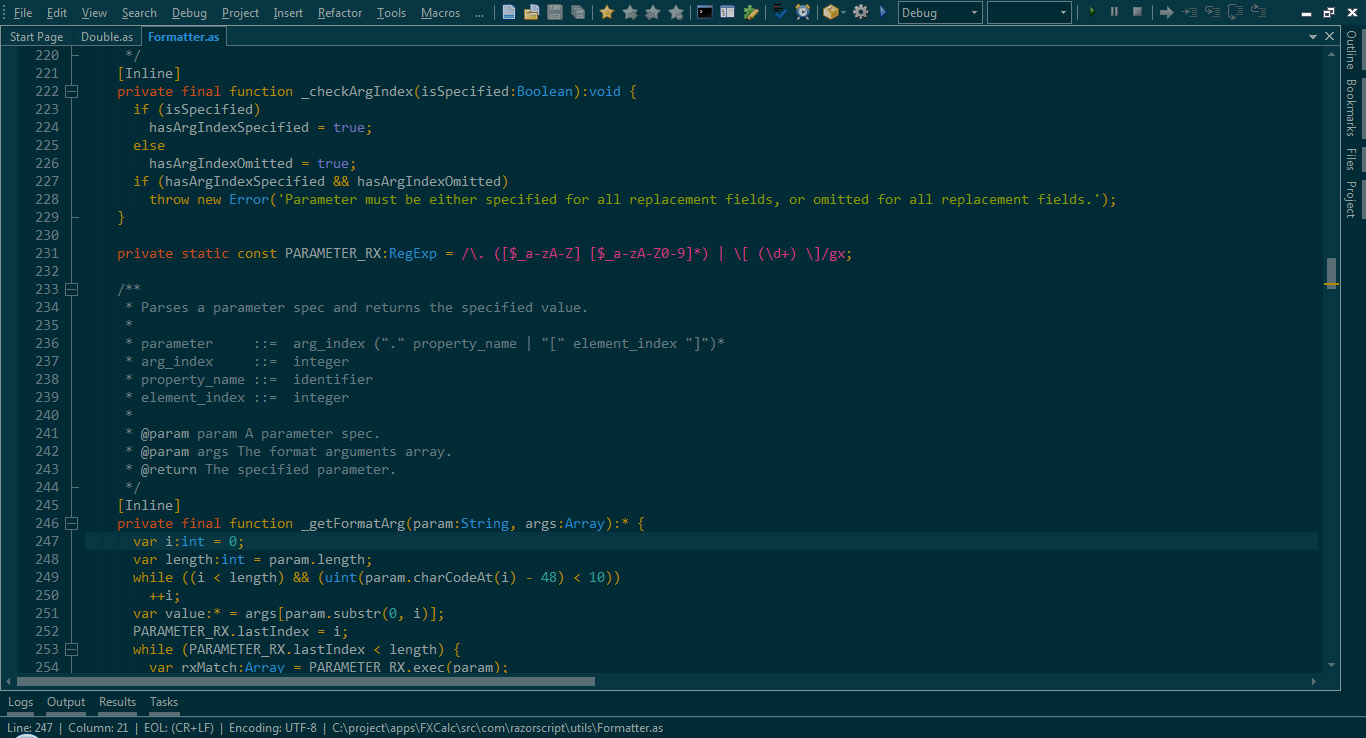
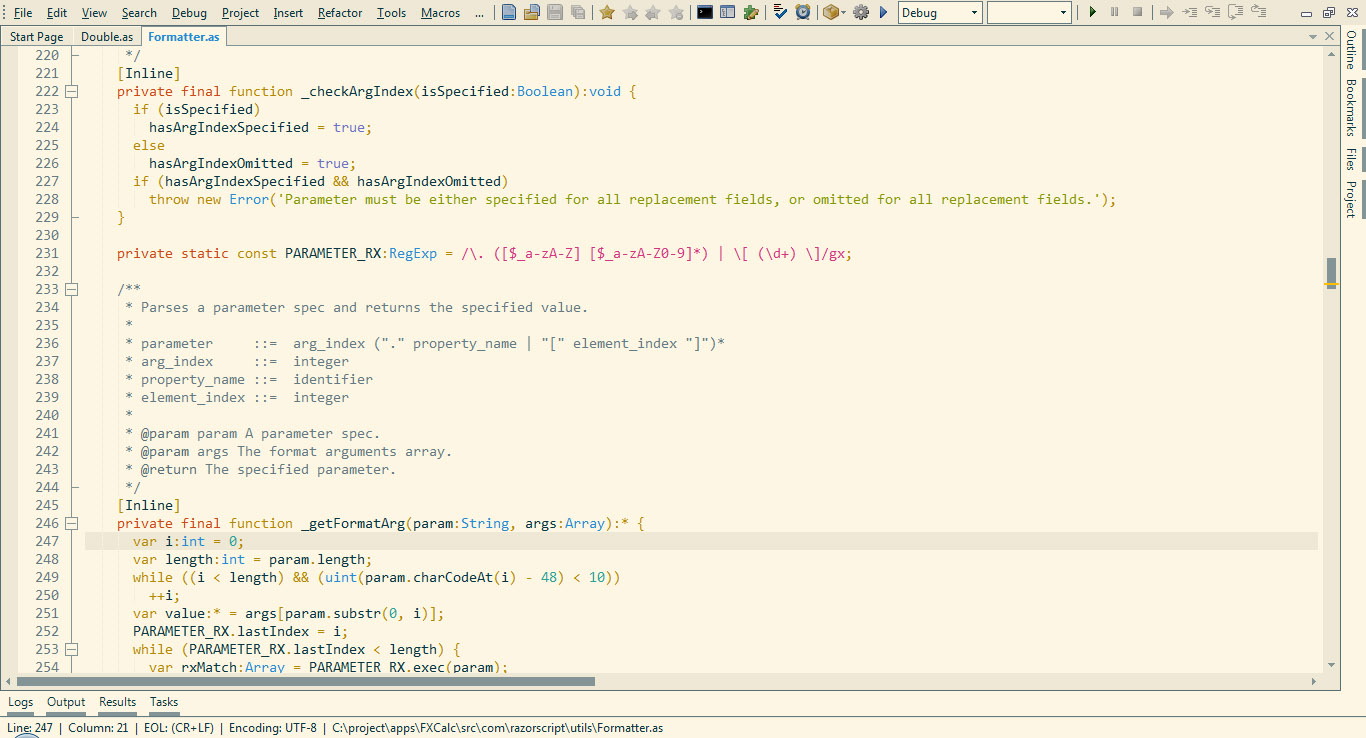
Solarized Easy-Install Set (Dark and Light)
Complete ZIP of the repository
It's recommended to restart FlashDevelop after switching to another theme.
Download and open the easy-install set (SolarizedThemes.fdz) and let FlashDevelop install the themes in the user directory. Alternatively, drag and drop SolarizedThemes.fdz into FlashDevelop.
- Download and extract the complete ZIP of the repository. The themes are in the
distfolder. - Use FlashDevelop
Tools > Select UI Theme...menu item, navigate to thedistfolder, and pick a theme. An.fdifile contains the UI theme, an.fdzfile inSyntaxThemescontains the syntax colorscheme and an.fdzfile inFullThemescontains both.