
Create a frame of Greek Key (Meander) design in SVG and PNG format.
This is a Rust crate for creating rectangle, circle, and ellipse border designs of the Greek Key (Meander).
Try the browser demo: https://bingqiao.github.io/meander/
Here are some examples of the images that can be generated:
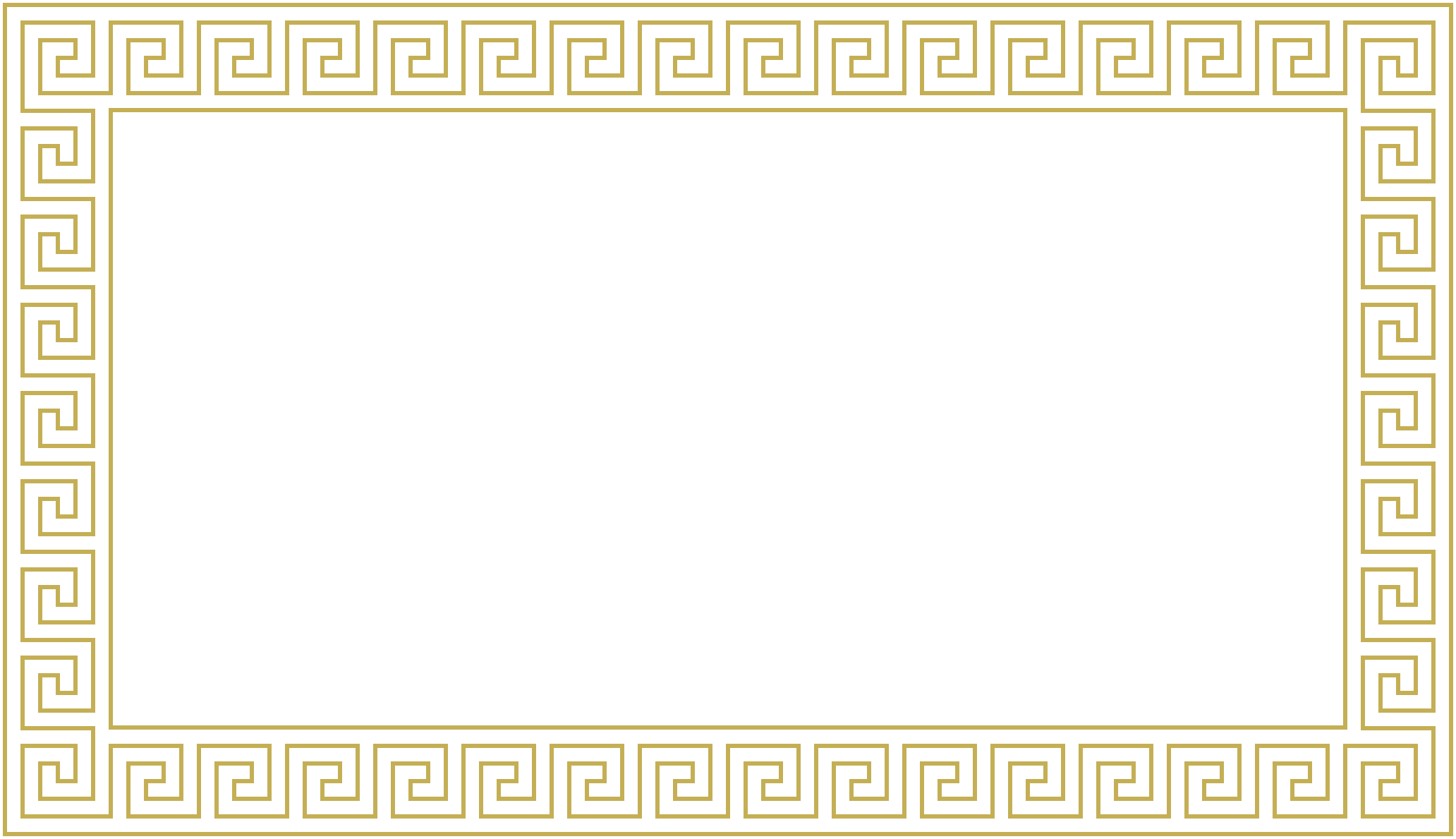
Plain Rectangle
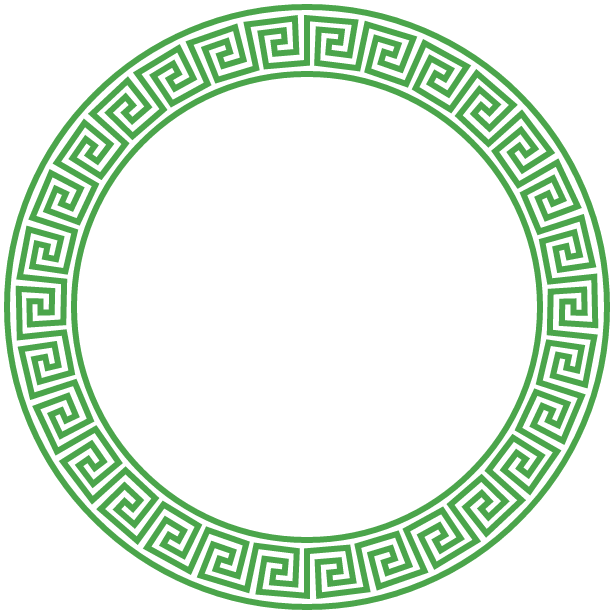
Plain Circle
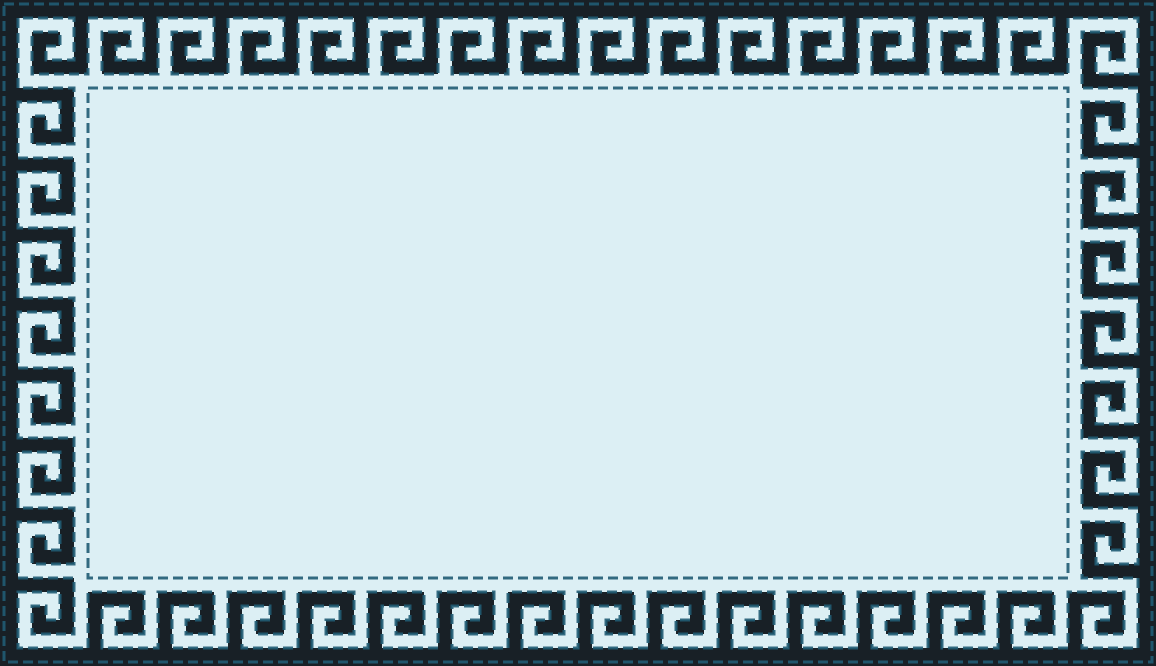
Styled Rectangle
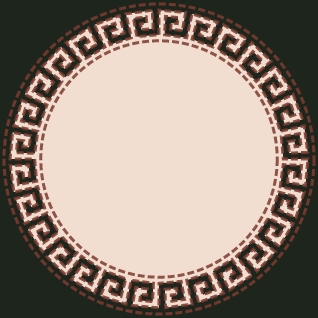
Styled Circle
cargo install greek-meander| Option | Description | Default |
|---|---|---|
--config |
Load shared and shape-specific options from a TOML config file | none |
--stroke-width |
The width of the stroke | 6.0 |
--stroke-color |
The color of the stroke | "#AB8E0E" |
--stroke-opacity |
The opacity of the stroke | 0.7 |
--fill-color |
Fill color for the pattern interior | none (transparent) |
--background-color |
Background color for the SVG canvas | none (transparent) |
--stroke-dash |
SVG stroke-dasharray value, e.g. "5,3" |
none (solid) |
--border-margin |
The margin of the border | 1 |
--file |
The base name of the output file | "meander" |
--stdout |
Write generated SVG markup to stdout | false |
--no-svg |
Skip writing the SVG file | false |
--no-png |
Skip writing the PNG file | false |
--scale |
Multiply PNG output dimensions without changing the SVG viewBox | 1.0 |
To generate a rectangle meander design, use the rect command:
greek-meander rect --size <SIZE> --width <WIDTH> --height <HEIGHT>Options
| Option | Description | Default |
|---|---|---|
--size |
The size of the greek key cells | 25 |
--width |
The number of cells for the top and bottom borders | 16 |
--height |
The number of cells for the left and right borders | 9 |
Example
greek-meander --stroke-color "#1F5B73" --file "my_design" rect --size 12 --width 22 --height 14This will generate my_design.svg and my_design.png.
To generate a circle meander design, use the circle command:
greek-meander circle --radius <RADIUS> --pattern-count <PATTERN_COUNT>Options
| Option | Description | Default |
|---|---|---|
--radius |
The radius of the circle | 300.0 |
--pattern-count |
The number of patterns in the circle | 30 |
Example
greek-meander --stroke-color "#7C3B2E" --file "my_circle_design" circle --radius 120 --pattern-count 24This will generate my_circle_design.svg and my_circle_design.png.
To generate an ellipse meander design, use the ellipse command:
greek-meander ellipse --rx <RX> --ry <RY> --pattern-count <PATTERN_COUNT>Options
| Option | Description | Default |
|---|---|---|
--rx |
The horizontal outer semi-axis of the ellipse | 300.0 |
--ry |
The vertical outer semi-axis of the ellipse | 200.0 |
--pattern-count |
The number of patterns around the ellipse | 30 |
Example
greek-meander --stroke-color "#7C3B2E" --file "my_ellipse_design" ellipse --rx 200 --ry 120 --pattern-count 28This will generate my_ellipse_design.svg and my_ellipse_design.png.
Use --fill-color, --background-color, and --stroke-dash to style the
generated SVG without changing the geometry:
greek-meander \
  --stroke-color "#1F5B73" \
  --stroke-opacity 0.9 \
  --stroke-width 3 \
  --fill-color "#DCEFF4" \
  --background-color "#182026" \
  --stroke-dash "10,5" \
  --file "styled_rect" \
  rect --size 14 --width 16 --height 9
The same visual options are available from Rust through VisualOptions:
use greek_meander::{GreekKeyRectConfig, VisualOptions, rect};

fn main() -> Result<(), Box<dyn std::error::Error>> {
    let config = GreekKeyRectConfig::new(14, 16, 9, 8, 3.0)?;
    let mut visual = VisualOptions::new("#1F5B73", 0.9);
    visual.fill_color = Some("#DCEFF4".to_string());
    visual.background_color = Some("#182026".to_string());
    visual.stroke_dash = Some("10,5".to_string());

    rect::generate_pattern_svg(&config, &visual, "styled_rect")?;
    Ok(())
}By default, greek-meander writes both <file>.svg and <file>.png.
Use --stdout to pipe SVG markup to another command:
greek-meander --stdout --no-svg --no-png rect > meander.svgUse --no-png or --no-svg to generate only one file type:
greek-meander --no-png rect
greek-meander --no-svg circle
greek-meander --no-png ellipse
Use --scale to increase PNG resolution while preserving the SVG viewBox:
greek-meander --scale 2 rectUse --config <PATH> to load shared options and command-specific defaults from
a TOML file. Explicit CLI flags override values from the config file, and any
missing values fall back to the normal CLI defaults.
Rectangle config:
file = "my_design"
stroke_width = 3.0
stroke_color = "#AB8E0E"
stroke_opacity = 0.7
fill_color = "#FFEECC"        # optional: fill the pattern interior
background_color = "#1A1A1A"  # optional: canvas background
stroke_dash = "5,3"           # optional: dashed strokes
border_margin = 1
scale = 1.0

[rect]
size = 12
width = 22
height = 14
Run it with:
greek-meander --config rect-design.toml rectCircle config:
file = "my_circle_design"
stroke_width = 3.0
stroke_color = "red"

[circle]
radius = 120.0
pattern_count = 24
Run it with:
greek-meander --config circle-design.toml circleEllipse config:
file = "my_ellipse_design"
stroke_width = 3.0
stroke_color = "#7C3B2E"

[ellipse]
rx = 200.0
ry = 120.0
pattern_count = 28
Run it with:
greek-meander --config ellipse-design.toml ellipseOutput routing stays command-line only: use --stdout, --no-svg, and
--no-png on the command line when selecting output for a specific run.
To build this project, navigate to the project root directory and run:
cargo buildTo run the project, use:
cargo run -- <GENERAL_OPTIONS> <COMMAND> <OPTIONS>For example:
cargo run -- --stroke-color "#1F5B73" --file "my_design" rect --size 12 --width 22 --height 14This will generate my_design.svg and my_design.png.
Install wasm-pack if it is not already available:
cargo install wasm-packTo build the browser WebAssembly package, disable native file output and enable
the wasm feature:
wasm-pack build \
  --target web \
  --out-dir examples/wasm-browser/pkg \
  --out-name greek_meander \
  --no-default-features \
  --features wasm
This creates a pkg/ directory with JavaScript bindings for
rect_generate_svg, circle_generate_svg, and ellipse_generate_svg, which
return SVG markup strings.
To try the browser example:
python3 -m http.server 8000Then visit:
http://localhost:8000/examples/wasm-browser/
The repository includes a GitHub Pages workflow that builds this browser demo and publishes it at:
https://bingqiao.github.io/meander/
Set Pages to deploy from GitHub Actions in the repository settings.
This project is licensed under the MIT License. See the LICENSE file for details.