



Aplikasi Point of Sale (POS) / Kasir berbasis web yang dibangun menggunakan PHP Native dan MySQL. Cocok digunakan untuk toko kecil hingga menengah.
| Dashboard | Kasir / POS |
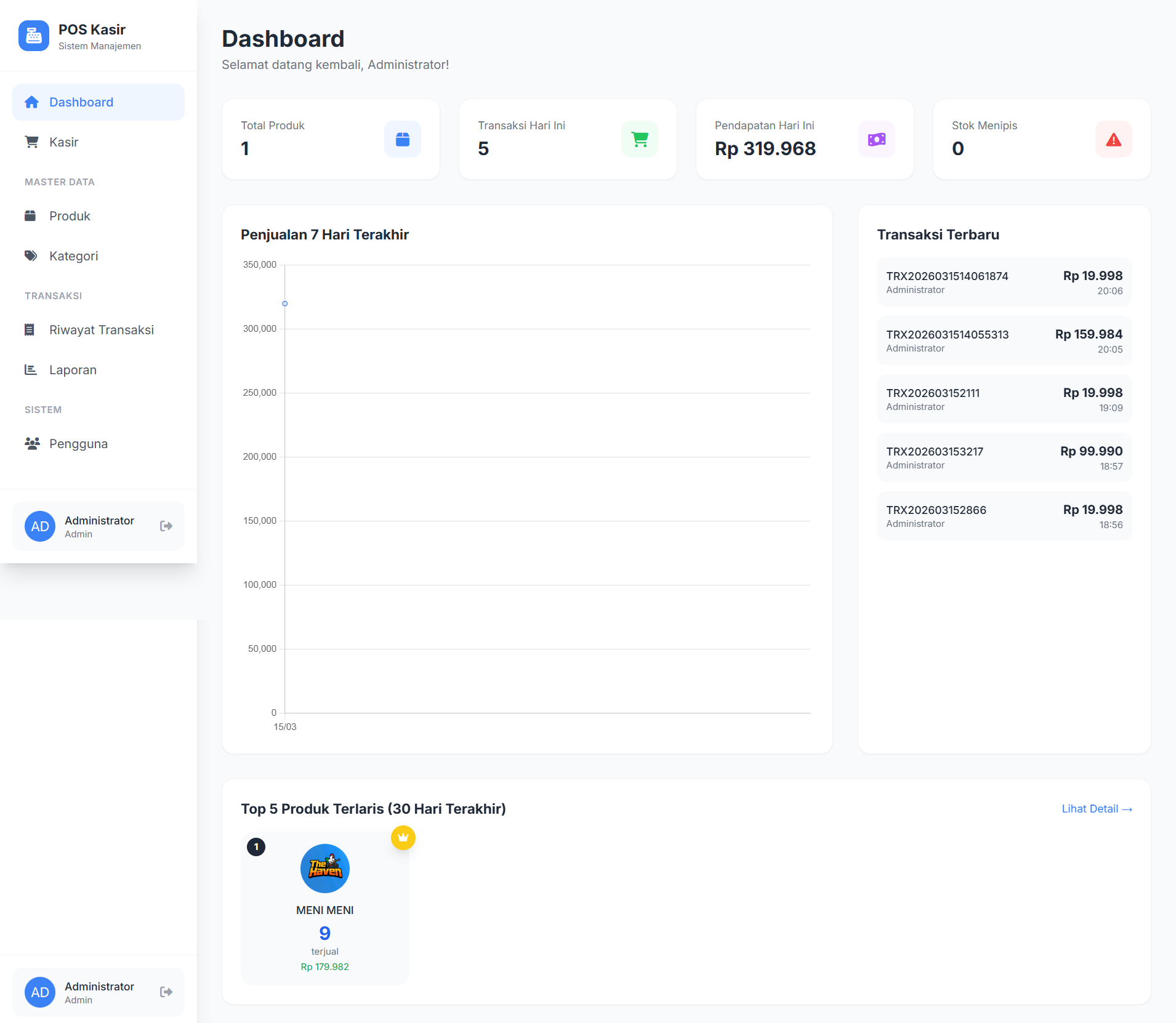 |
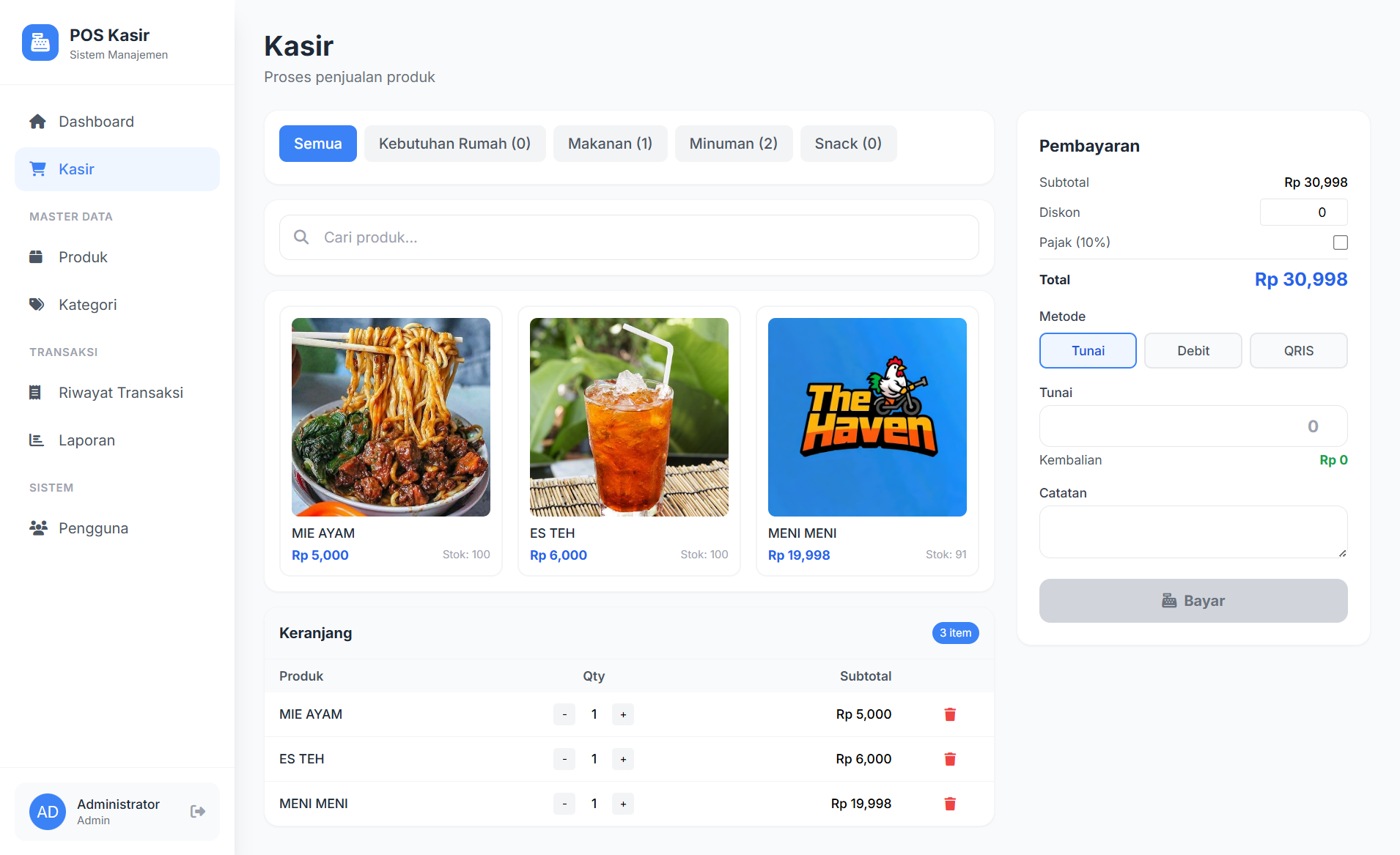 |
| Laporan | Produk |
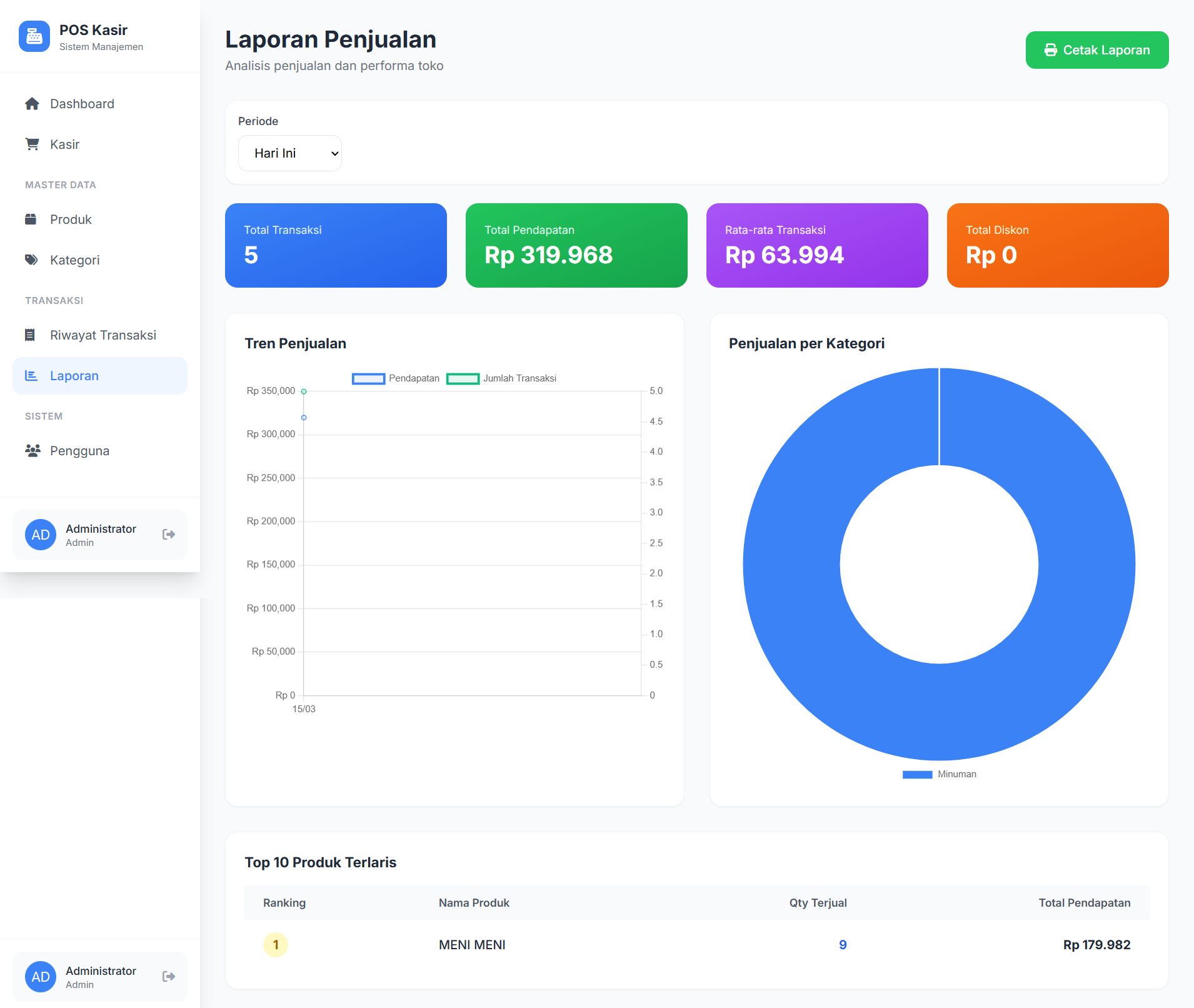 |
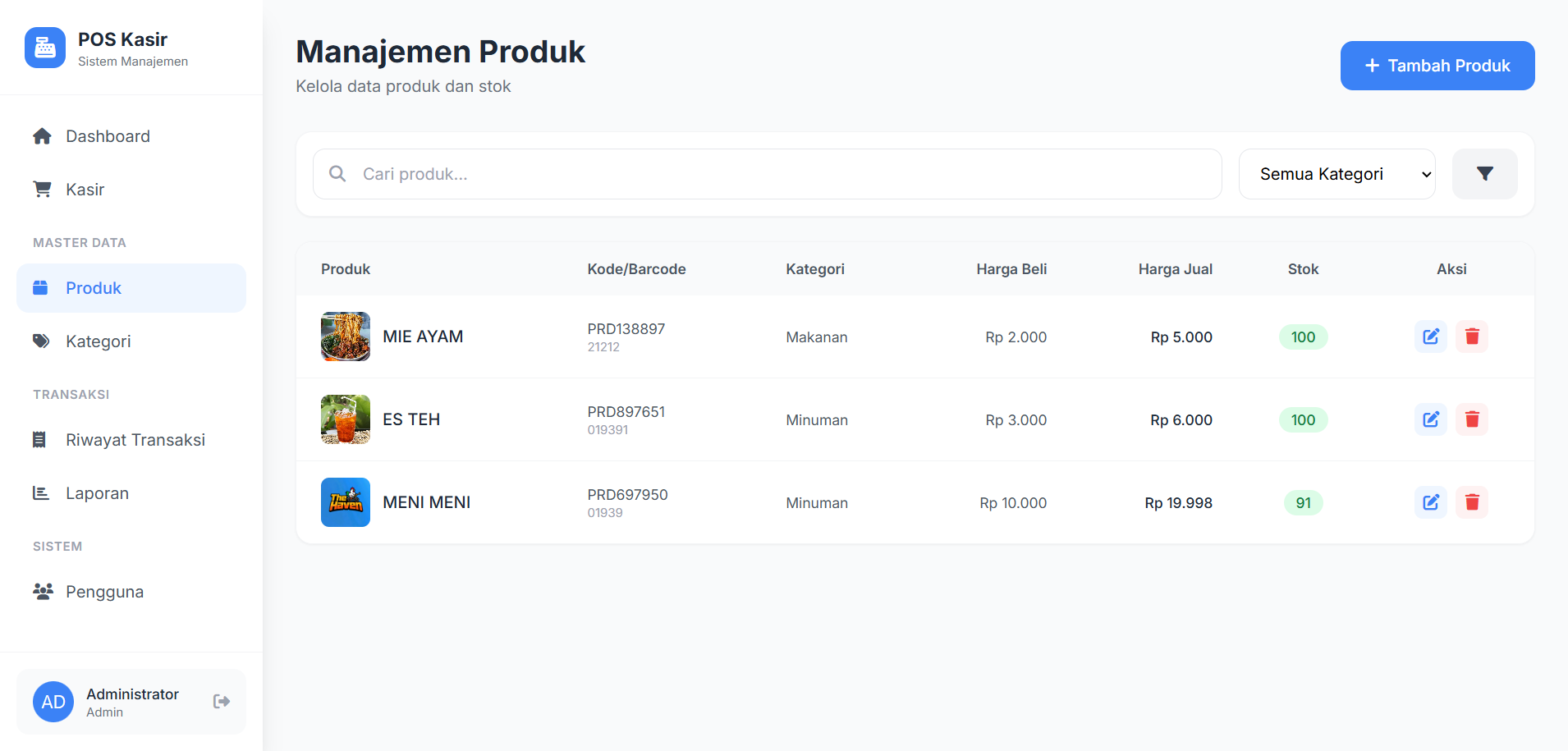 |
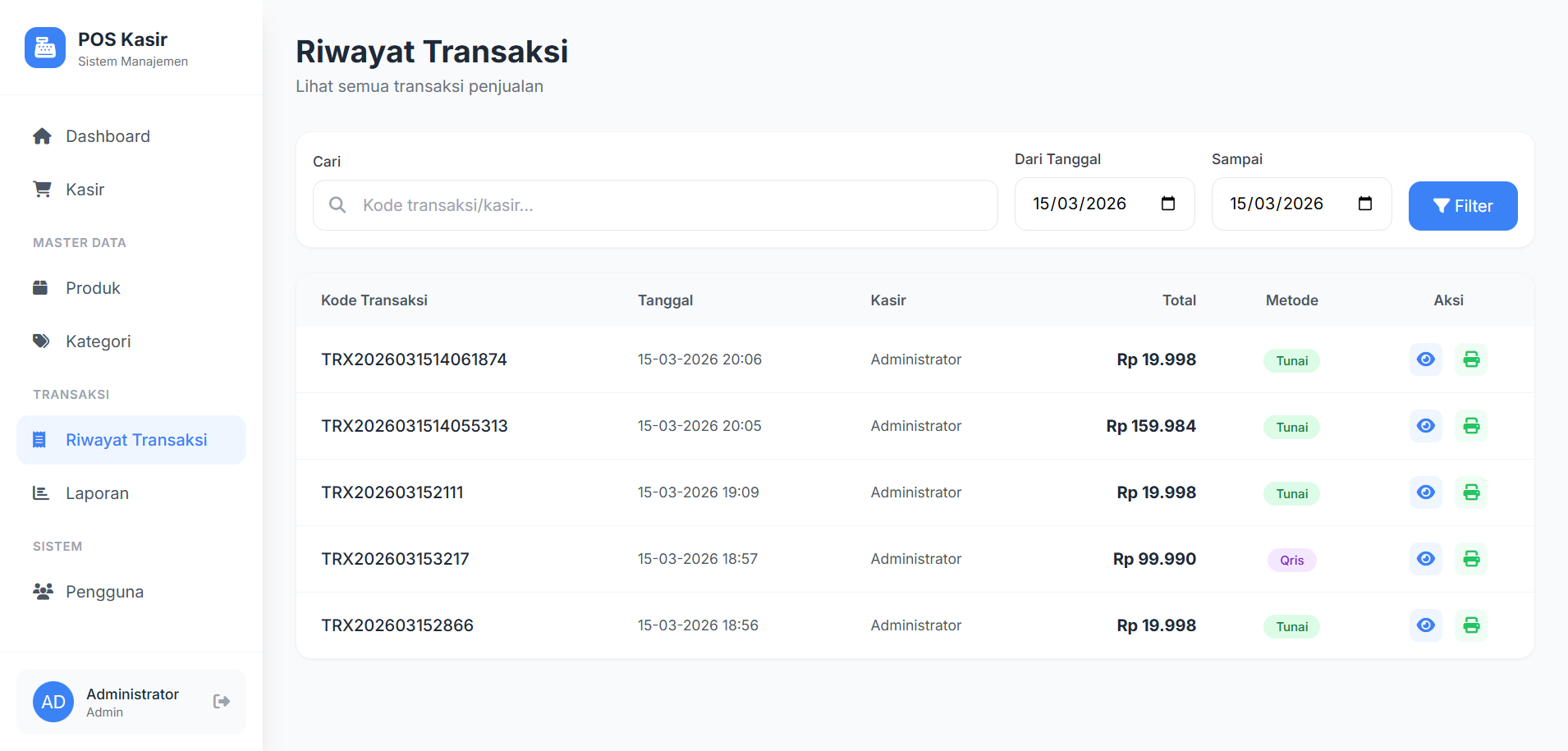
| Transaksi | |
 |
|
- 🛍️ Kasir / POS — Tambah produk ke keranjang, proses transaksi dengan mudah
- 🔍 Pencarian & Filter Produk — Cari produk berdasarkan nama atau kode, filter per kategori
- 💳 Multi Metode Pembayaran — Tunai, Debit, dan QRIS
- 🧾 Cetak Struk — Struk otomatis setelah transaksi berhasil
- 📦 Manajemen Stok — Stok otomatis berkurang saat transaksi
- 🏷️ Diskon & Pajak — Support diskon nominal dan pajak 10%
- 📊 Laporan Transaksi — Riwayat transaksi lengkap
- 🗂️ Manajemen Kategori & Produk — CRUD produk dan kategori
- 👤 Autentikasi — Login & session management
| Teknologi | Keterangan |
|---|---|
| PHP 8.x | Backend / Logic |
| MySQL | Database |
| Tailwind CSS | Styling / UI |
| Font Awesome | Icon |
| Vanilla JavaScript | Interaktivitas |
| XAMPP | Local Development Server |
- XAMPP / Laragon (PHP 8.x + MySQL)
- Browser modern (Chrome, Firefox, Edge)
1. Clone repository ini
git clone https://github.com/DilPadil1/mykasirgwe.git2. Pindahkan ke folder htdocs
# Pindahkan folder ke:
C:\xampp\htdocs\mykasirgwe
3. Import database
- Buka
phpMyAdmin→ http://localhost/phpmyadmin - Buat database baru:
mykasirgwe - Import file
mykasirgwe.sqlyang ada di folder project
4. Konfigurasi koneksi database
Edit file config/database.php:
$host = 'localhost';
$dbname = 'mykasirgwe';
$username = 'root';
$password = '';
5. Jalankan aplikasi
Buka browser dan akses:
http://localhost/mykasirgwe
mykasirgwe/
├── assets/
├── config/
│   └── database.php
├── includes/
│   ├── header.php
│   ├── footer.php
│   └── sidebar.php
├── dashboard.php
├── kasir.php
├── produk.php
├── kategori.php
├── transaksi.php
├── laporan.php
├── struk.php
├── users.php
├── login.php
├── logout.php
├── .gitignore
├── LICENSE
└── README.md
Pull request sangat terbuka! Untuk perubahan besar, harap buka issue terlebih dahulu.
- Fork repository ini
- Buat branch baru (
git checkout -b fitur-baru) - Commit perubahan (
git commit -m 'Tambah fitur baru') - Push ke branch (
git push origin fitur-baru) - Buat Pull Request
Didistribusikan di bawah MIT License. Bebas digunakan dan dimodifikasi dengan tetap mencantumkan kredit.
DilPadil1
- GitHub: @DilPadil1
⭐ Jangan lupa kasih star kalau project ini membantu kamu!