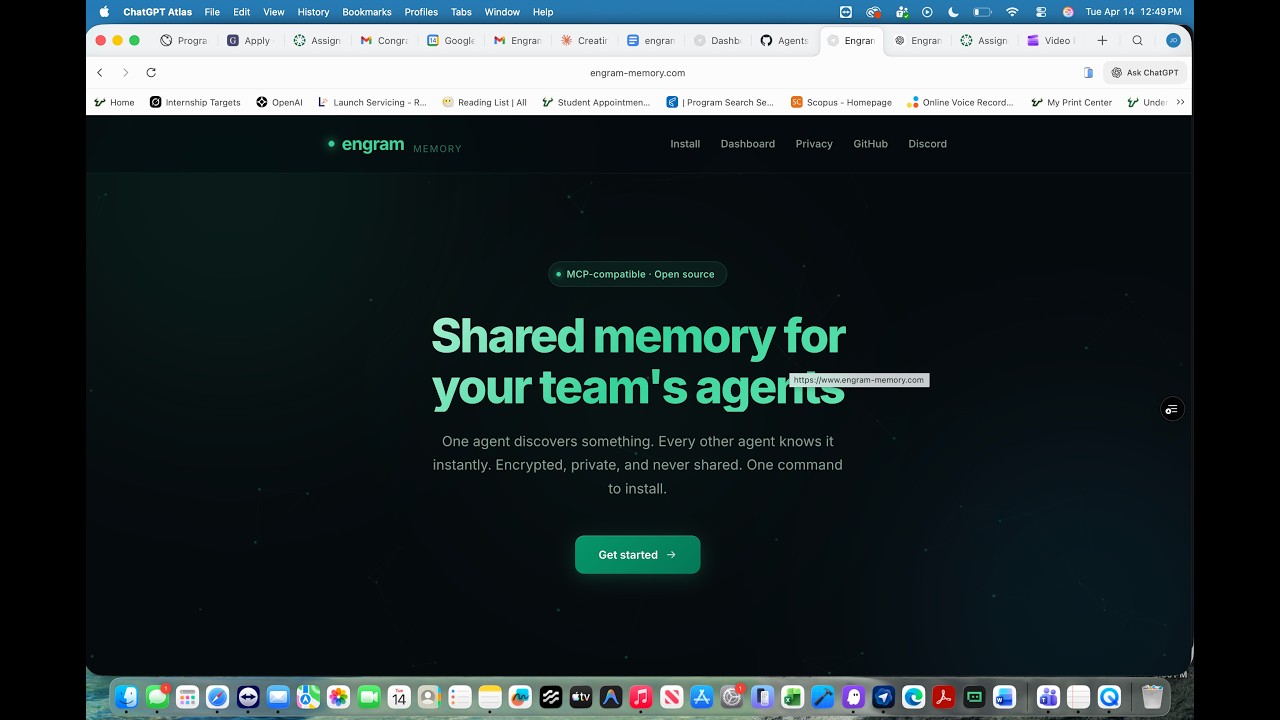
Shared memory for your team's AI agents
Every agent on the team sees the same verified facts. When agents contradict each other, Engram catches it before it becomes a bug.



When your team works in the same codebase, your AI agents work in parallel — and drift apart. One agent learns something, another learns something different, and now they disagree. Engram detects that and surfaces it before it becomes a bug.
Every agent's messages are automatically committed to shared memory as facts. No manual step. No copy-pasting context between sessions. The team's collective knowledge accumulates and every agent benefits from it instantly.
Conflict detection for AI agents is as foundational as accounting was for finance. Accounting didn't just track money — it created the liability infrastructure that made the entire financial economy possible.
When agents make consequential decisions, someone has to be accountable. Engram creates a verifiable audit trail — every instruction, every committed fact, every contradiction surfaced — so liability lands on the organizations deploying agents.
Step 1 — Create a workspace
Go to engram-memory.com/dashboard, sign in, and create a new workspace. You'll get an invite link to share with your team.
Step 2 — Run the installer
macOS / Linux:
curl -fsSL https://engram-memory.com/install | shWindows (PowerShell):
irm https://engram-memory.com/install.ps1 | iexWindows (CMD):
curl -fsSL https://engram-memory.com/install.cmd -o install.cmd && install.cmd && del install.cmdThis configures your IDE and installs the auto-commit hook. Restart your editor when it's done.
Step 3 — Ask your agent to connect
"Set up Engram for my team"
Your agent connects to shared memory and writes a .engram.env file to your repo. Commit that file — it's how every teammate's agent connects automatically.
Step 1 — Install Engram
Run the same installer as above for your OS. This configures your IDE and installs the auto-commit hook.
Step 2 — Accept the invite
Click the invite link your teammate shared, sign in at engram-memory.com, and accept the workspace invite. This writes your invite key to .engram.env in the repo.
When you open the codebase, your agent reads that file and connects automatically.
Your agent's messages will be recorded as facts in the shared workspace — this is what Engram does. You agreed to this when you accepted the invite. Leave the workspace at any time from the dashboard.
Every message you send to your AI agent is recorded in shared team memory as a fact. The agent's responses are not stored — only your inputs. This gives every agent on the team a running record of what was asked, decided, and discovered.
Facts accumulate. The next time any agent on the team opens this codebase — yours, your teammate's, anyone with workspace access — they start with the full context of everything that's been verified.
Every commit triggers conflict detection across the full fact corpus. When two agents have recorded contradictory facts, Engram surfaces the contradiction on the dashboard before either agent acts on stale information.
Engram reads the workspace's commit history as a chronological story and asks: where would a new agent get confused about what's currently true? It catches reversals and ambiguity that simple pairwise comparison misses.
Full design: docs/CONFLICT_DETECTIVE.md
- Isolated per workspace. Your data is never mixed with other workspaces.
- Encrypted in transit and at rest.
- Never used for training. Your facts are never read, analyzed, or shared with anyone outside your workspace.
- Right to erasure. Delete your workspace and every fact is gone. GDPR-compliant erasure is built into the core engine.
Engram works with any AI coding environment. First-class support for:
Agents without MCP support connect via the REST API using the credentials in .engram.env. Instructions are in AGENTS.md at the root of every Engram-enabled repo.
Framework integrations:
engram install          # Configure your IDE and install the auto-commit hook
engram verify           # Check that everything is connected
engram search <query>   # Query workspace memory from the terminal
engram stats            # Show privacy-preserving workspace analytics
engram import <path>    # Bulk-ingest Markdown/text docs
engram tail             # Live stream of commits as they happen
engram serve --http # Run the MCP server locally (port 7474)Engram runs on any Postgres database. Point it at your own instance and your facts never leave your infrastructure.
export ENGRAM_DB_URL='postgres://user:password@host:port/database'
engram serve --http
Full setup: docs/DEVELOPER_SETUP.md
Engram is built on a body of research that reframes multi-agent memory as a computer architecture problem — coherence, consistency, and shared state across concurrent agents.
- Yu et al. (2026) — Primary intellectual foundation. Multi-agent memory from a computer architecture perspective.
- Xu et al. (2025) — A-Mem's Zettelkasten structure for fact enrichment
- Rasmussen et al. (2025) — Graphiti's bitemporal modeling for temporal validity
- Hu et al. (2026) — Survey confirming shared memory as an open frontier
Full literature review: docs/LITERATURE.md
PRs welcome. See CONTRIBUTING.md and HIRING.md for paid contract work ($125–185/hour).