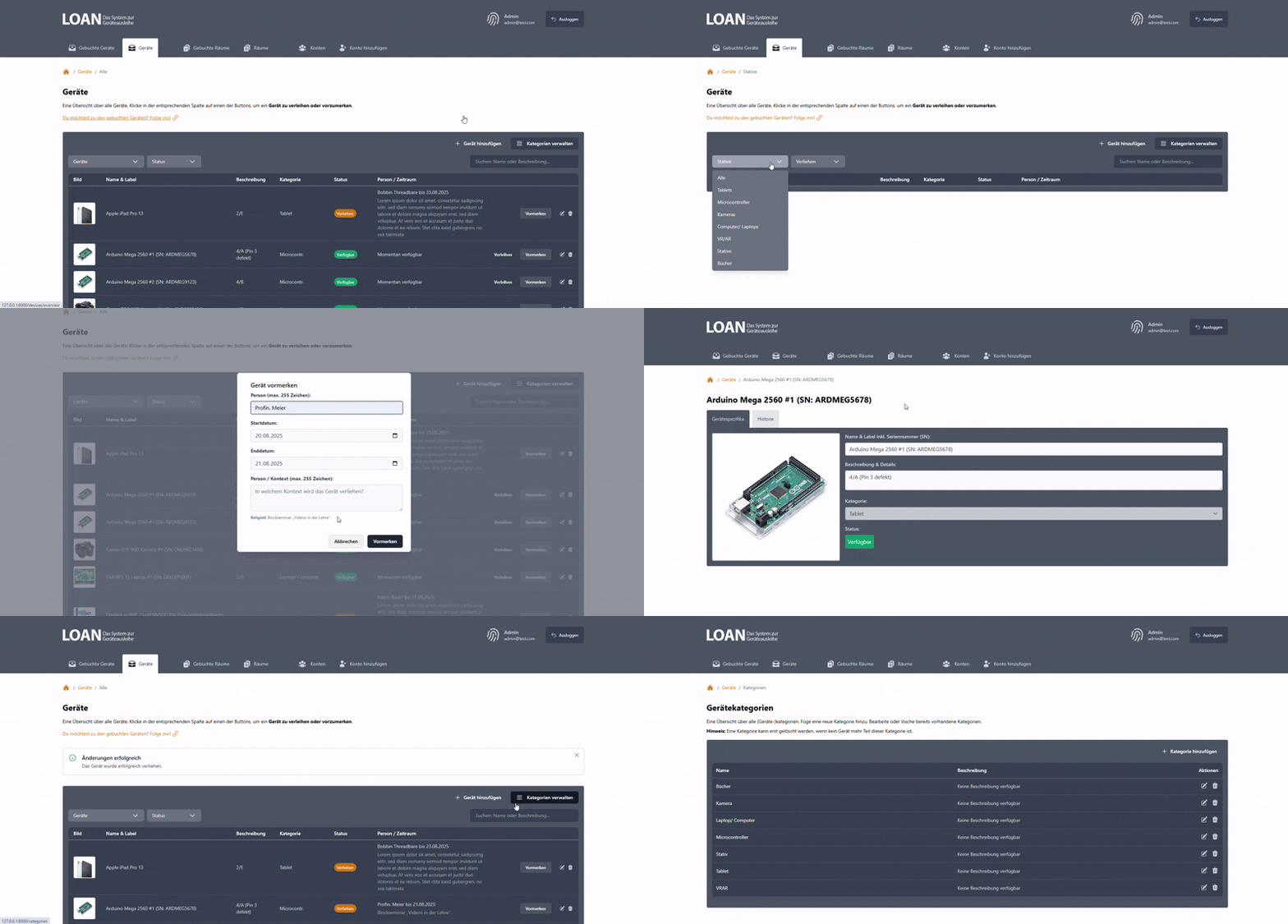
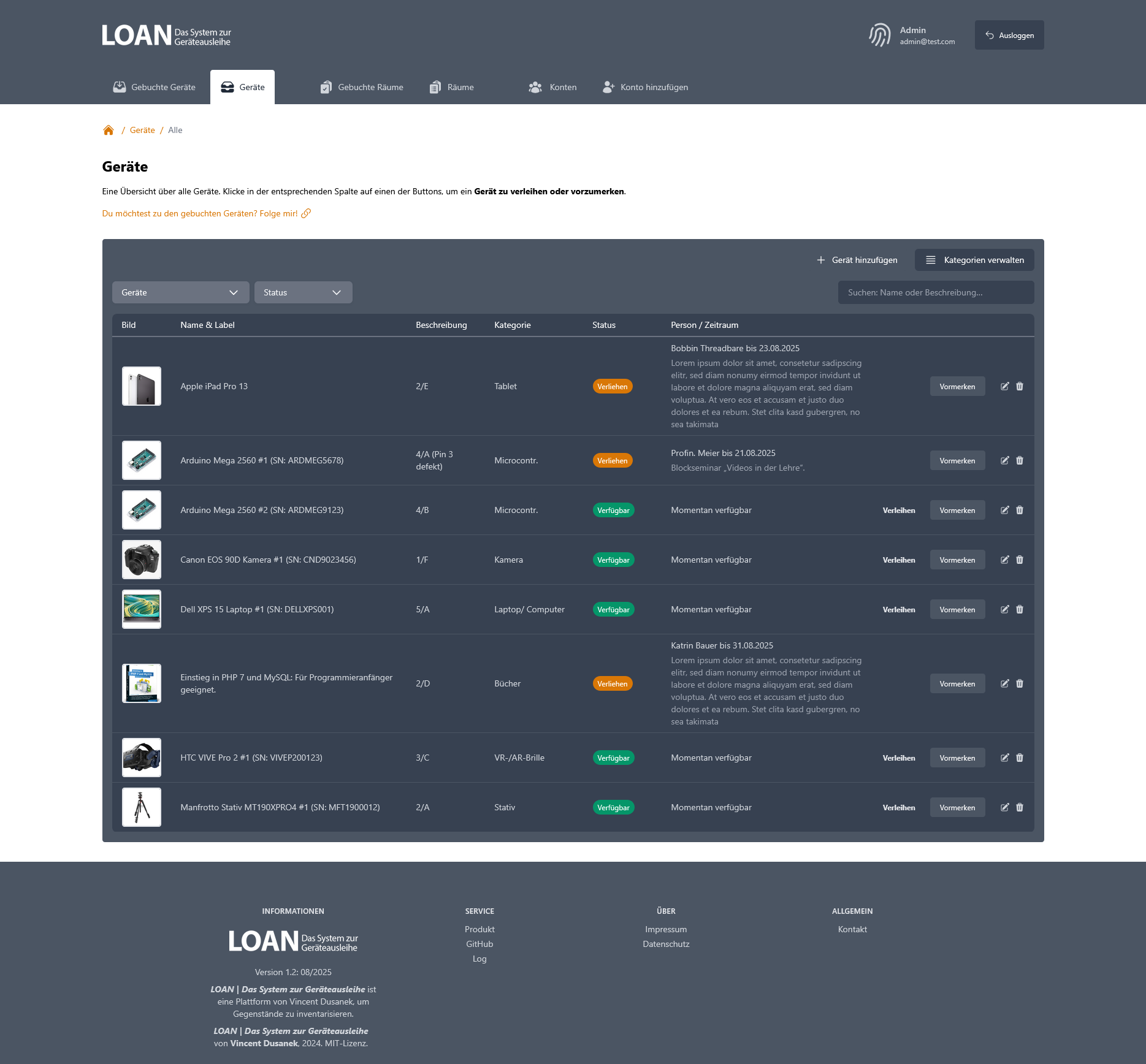
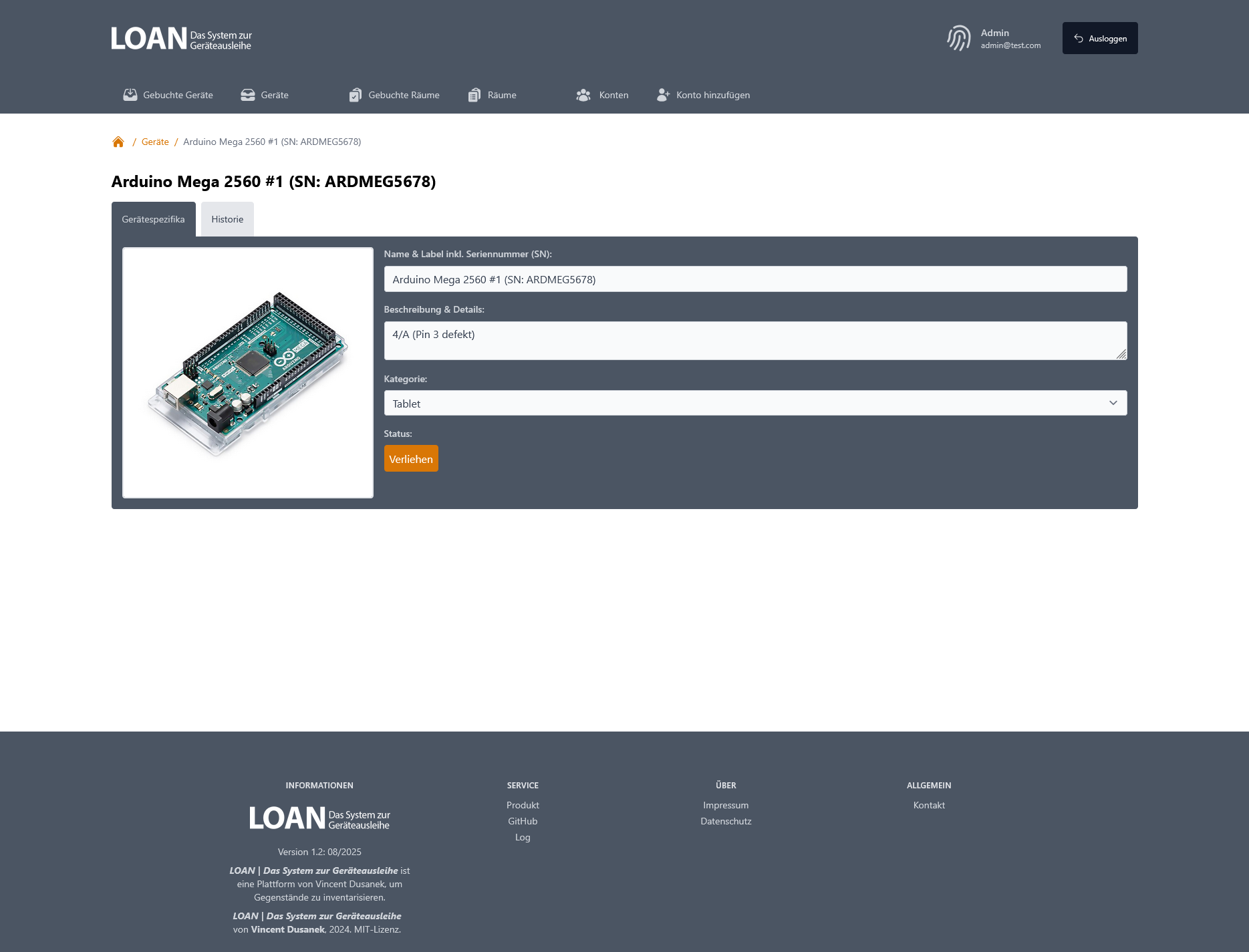
Willkommen be LOAN, dem System zur Geräteausleihe für wissenschaftliche und medienpädagogische Einrichtungen. Das System läuft auf einer LNPP-Struktur:
- Ubuntu 24.04
- Nginx
- Postgres
- PHP 8.3
LOAN | A free loan management system is made with Laravel and TailwindCSS. Content Language: lang="de". Similar to the Laravel framework, LOAN is open-sourced software licensed under the [MIT license](https://opensource.org/licenses/MIT).
# Installation of dependencies
composer install
# Creation of .env
copy .env.example .env
# Set the app key
php artisan key:generate
# Create the database
New-Item -ItemType File .\database\database.sqlite -Force | Out-Null
# (Aus-)kommentieren der (ir-)relevanten DB-Parameter in der .env
DB_CONNECTION=sqlite
DB_DATABASE="ABSOLUTE_DATABASE_PATH"
# Execute the database migrations
php artisan migrate
# Execute seeding of the databae for the first admin acocunt
# admin@test.example with geheimespasswort
php artisan db:seed
# start the web server at http://127.0.0.1:8000
php artisan serve
# set the storage link
php artisan storage:link
Using docker, one can run this app locally using php-fpm, redis and mariadb.
The laravel app needs an APP_KEY which can be created like that:
echo "APP_KEY=base64:$(openssl rand -base64 32)" >> .env
and should be added to the compose.yml
The service can be set up using
docker compose up -d
Run the migrations and seed the database (to create the first admin user):
docker compose run loan php artisan migrate --seed
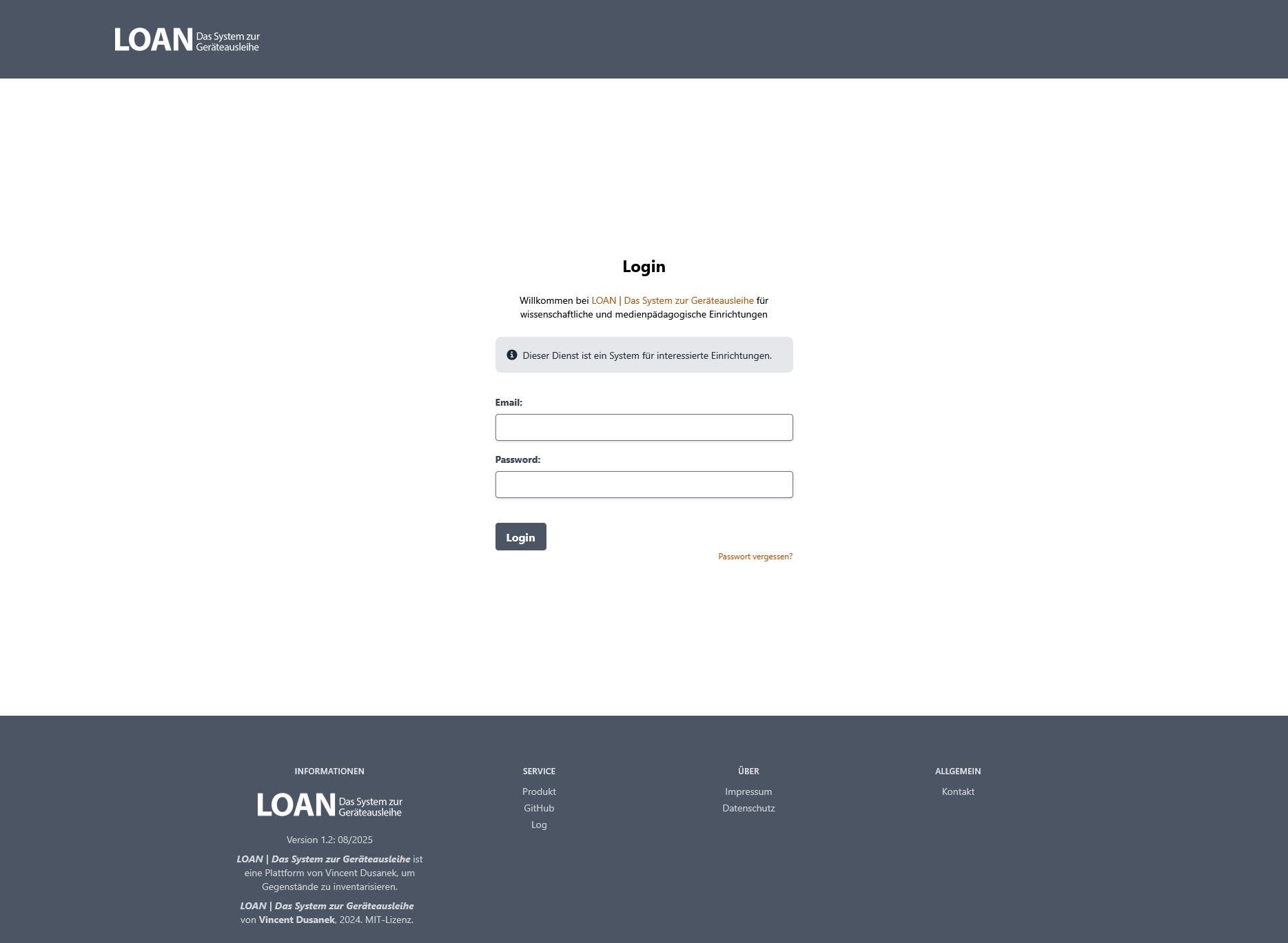
Go to http://localhost:8080/ and login with the seeded user.
This is admin@test.example with geheimespasswort as password by default
You can then start using the app.