


Project Page of The RA-L '26 Paper DPNet
Wei Zuo, Zeyi Ren, Chengyang Li, Yikun Wang, Mingle Zhao, Shuai Wang, Wei Sui, Fei Gao, Yik-Chung Wu, and Chengzhong Xu

- 🚀 Major Updates
- 📖 Introduction
- 🛠️ Prerequisite
- 🔌 Usage
- 💭 Q & A
- 📋 Miscellaneous
- 🙌 Citation
- 📪 Acknowledgement
- 📇 License
[04-Jun-2026] Paper page on Hugging Face released here.
[21-May-2026] Code for D-KalmanNet training is released.
[28-Apr-2026] Code is released.
[10-Apr-2026] Acceptance to IEEE Robotics and Automation Letters (RA-L).
Based on cutting-edge technologies like Frequency-Modulated Continuous-Wave (FMCW), Doppler LiDAR is a powerful sensor that provides the 4-th measuring dimension: Doppler velocity. Apart from traditional spatial (x, y, z) measurement, Doppler velocity directly captures the instantaneous spatio-temporal knowledge at per-point level, thus allowing direct, granular, and accurate 4D scene understanding. DPNet is the first framework to integrate Doppler LiDAR into closed-loop motion planning. By incorporating and leveraging Doppler LiDAR, DPNet introduces:
-
Doppler Kalman Neural Network (D-KalmanNet): a real-time obstacle motion prediction module.
-
Doppler-Tuned Model Predictive Control (DT-MPC): a runtime prediction-triggered controller tuning module.
Built upon these two modules, DPNet achieves agile collision-free motion planning among fast moving obstacles, opening up new research paradigms of Doppler LiDAR guided robot motion planning and autonomous driving.
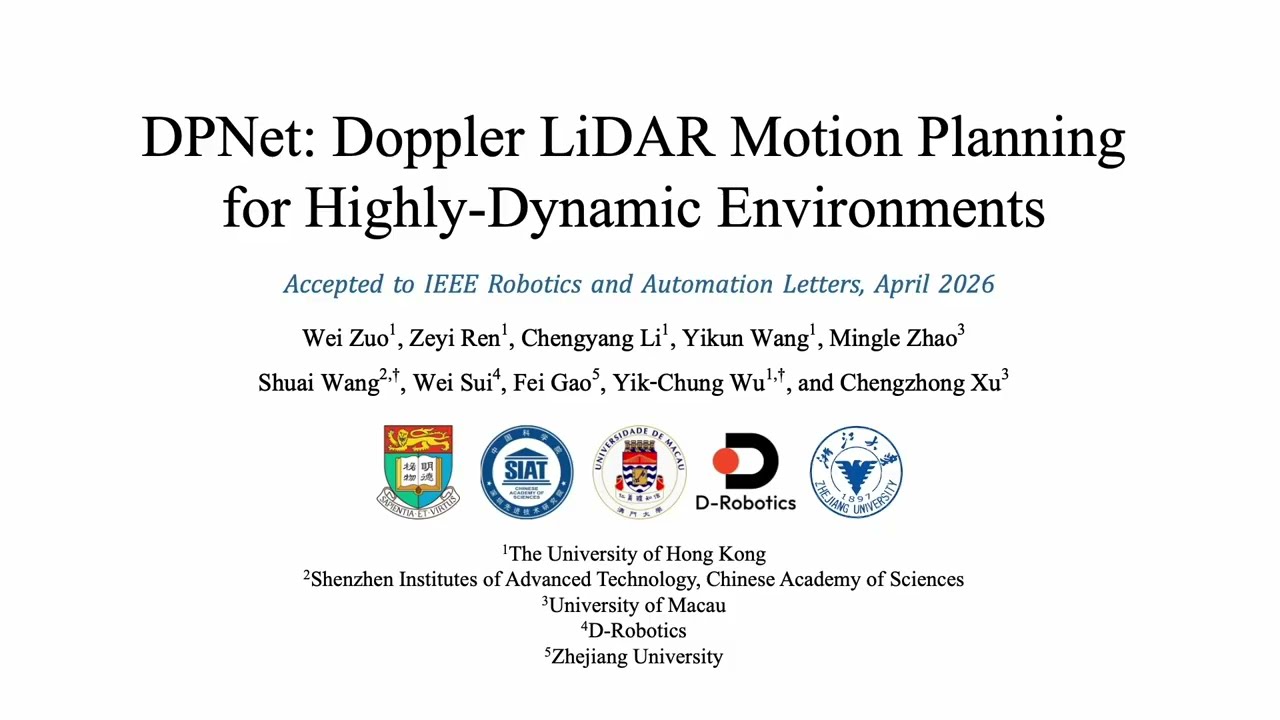
dpnet_on_dynabarn.mp4
DPNet requires ROS-noetic. Migration to ROS 2 is in our future plan.
DPNet requires the carla-aeva, where Aeva, Inc enhances carla by Doppler LiDAR integration. To obtain, there are two ways:
- Build from Source: Follow the steps in carla-aeva to build from source, optionally adding your custom items.
- Quick Download: We provide pre-compiled version, available at Google Drive or Baidu NetDisk.
In Step 2, if you choose
- Build from Souce: Now you can compile your own Python API for any dedicated Python version.
- Quick Download: Now you will be using the provided Python API Release for quick start.
Note
You can skip this step if you aim at a quick test of DPNet's navigation in highly-dynamic envinronments.
- To train D-KalmanNet, you should download the real-world Doppler LiDAR dataset AevaScenes.
- We encourage using Conda to manage Python environments. Ensure that ROS-noetic and carla-aeva are installed.
- Launch Carla first:
cd path_to_carla_aeva_on_your_computer
./CarlaUE4.sh- Then, run DPNet in a new terminal:
# clone DPNet with ros-bridge-DopplerLiDAR submodule
cd ~
git clone --recurse-submodules https://github.com/UUwei-zuo/DPNet.git
cd DPNet

# create Conda venv
conda create -n dpnet python=3.9 -y
conda activate dpnet
pip install -r requirements.txt
conda install libffi==3.3 -y

# API for more Python versions are provided in project release
# If you build from source, you can install any dedicated API version
WHEEL_URL_39="https://github.com/UUwei-zuo/DPNet/releases/download/v1.0.0/carla-0.9.15-cp39-cp39-linux_x86_64.whl"
WHEEL_FILE="carla-0.9.15-cp39-cp39-linux_x86_64.whl"
wget $WHEEL_URL_39
pip install $WHEEL_FILE && rm $WHEEL_FILE

# build workspace
source /opt/ros/noetic/setup.bash
catkin_make
source devel/setup.bash

# run DPNet example
python3 ./examples/DPNet_run.py- Highly-Dynamic Testbed
To test DPNet, scripts/carla_dynabarn.py is provided to completely randomize highly-dynamic obstacles following DynaBARN.
The Basic setting is at examples/DPNet_hyperparameters.yaml, where you can conveniently configure obstacle number/seed setting with:
Carla_DynaBARN:
  vehicles: 3 # obstacle number
  seed: 79 # obstacle seed
Advanced setting is at scripts/carla_dynabarn.py.
- DPNet Hyperparameters
Basic hyperparameter settings are at examples/DPNet_hyperparameters.yaml.
Detailed settings can be found in src/dpnet_planner_ros/src/DPNet_planner.py, src/dpnet_planner_ros/src/DTMPC.py, and src/dpnet_planner_ros/src/action_solver.py.
- Doppler LiDAR Scan Pattern
carla-aeva uses a scan pattern file to configure Doppler LiDAR simulation.
The simulation consumes GPU at runtime, so you can configure the pattern file located at examples/Doppler_ScanPatterns.yaml according to your computer specs.
For example, for higher processing frequency, you could reduce points_per_line;
for higher perception granularity, you could increase elevation_steps_deg, etc.
- Ensure that AevaScenes is downloaded.
- Configure dataset path in
examples/d_kalmannet/config.yaml:
Dataset:
  path: # path_to_data_on_your_machine
        # this path usually contains metadata.json
- Then, to train D-KalmanNet:
cd ~/DPNet/examples/d_kalmannet
conda activate dpnet
python train.pyexamples/d_kalmannet/config.yamlprovides easy access to different training paramters. For example, you can configure:
Dataset:
  split_ratio: [0.8, 0.1, 0.1] # train/val/test split after selection
  seed: 79 # seed for sequence selection, split, and training
Model:
  dt: 0.2 # prediction time step, supporting: 1.0, 0.5, 0.2, 0.1
Preprocess:
  num_workers: 16 # adjust preprocessing workers according to your CPU specs
- Weights can be used for DPNet by replacing
src/dpnet_planner_ros/src/d_kalmanet/weights/model.ptwith your training outputs.
Important
Ensure that dt in examples/DPNet_hyperparameters.yaml is consistent with that of the weight you use.
- Test-split evaluation is triggered after running a training by default. Optionally, a standalone test evaluator can be launched by:
cd ~/DPNet/examples/d_kalmannet
conda activate dpnet
python run_test.py
Important
Ensure that dt in examples/DPNet_hyperparameters.yaml is consistent with that of the weight you use.
- Q1. Why can D-KalmanNet's step interval
dtmismatch DPNet planner's horizon intervalsample_timeinexamples/DPNet_hyperparameters.yaml?
A1. D-KalmanNet predicts obstacle motions with a velocity-based motion model, e.g.,x'=x+vt+0.5*a*t^{2}under constant acceleration. In contrast, carla simulation realizes vehicle motions with a throttle-based motion model. Consequently, adjustingdtandsample_timeindependently can mitigate the velocity-to-throttle inconsistency.
To connect carla-aeva with ROS, ros-bridge-DopplerLiDAR is provided. It has been included in DPNet as a default submodule.
- Training code for D-KalmanNet
- Improved code cleanups
We sincerely appreciate your star and citation if you find this work insightful:
@article{zuo2026dpnet,
  author={Zuo, Wei and Ren, Zeyi and Li, Chengyang and Wang, Yikun and Zhao, Mingle and Wang, Shuai and Sui, Wei and Gao, Fei and Wu, Yik-Chung and Xu, Chengzhong},
  journal={IEEE Robotics and Automation Letters},
  title={DPNet: Doppler LiDAR Motion Planning for Highly-Dynamic Environments},
  year={2026},
  volume={11},
  number={6},
  pages={7190-7197},
  doi={10.1109/LRA.2026.3685933}
}
Contact Wei Zuo by zuowei@eee.hku.hk if you have any questions or suggestions.
This repository is released under the MIT license. See LICENSE for additional details.